


Android devices
Download the comdirect app in the Google Play Store, which works on your Samsung, Xiaomi, LG, and other smartphones and tablets.

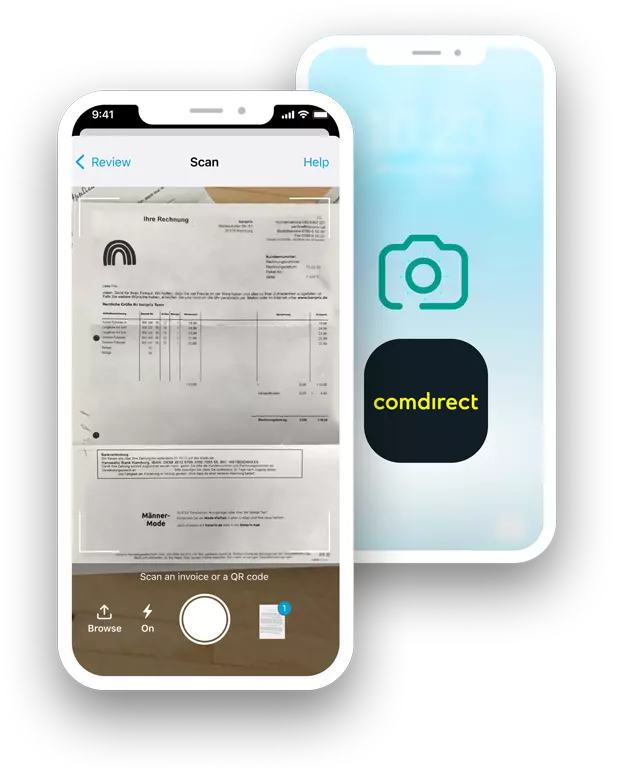
Pay any invoice in seconds with the photo payment in your comdirect app.




Download the comdirect app in the Google Play Store, which works on your Samsung, Xiaomi, LG, and other smartphones and tablets.
Download the comdirect app in the App Store, suitable for your iPhone or iPad.

App reviews
Great function to automatically enter data for bank transfer via photo or file. Saves a lot of work!
comdirect app
Google Play

This app gets better, more comprehensive and easier to use with every update. My favorite is the photo payment.
comdirect app
Google Play
I'm really impressed, especially the photo and QR payment simplify banking
comdirect app
App Store
Photo payment works perfectly, also otherwise a functional app
comdirect app
Google Play
Open the comdirect app on your phone.
Navigate to the option “Fotoüberweisung” or “photo payment”. Allow camera access.
Put the invoice or the transfer slip on a plain surface like a table.
Hold your mobile device above the document or the QR code, and press the snap button.
Check and change the extracted data (IBAN, reason for transfer, etc.) in your banking app.
Confirm the transfer with your 2FA method – done!
The document is wrinkled.
The document is not properly adjusted to the frame shown on the camera screen.
Documents are lying on top of each other and cover relevant information.
The background is to bright.
There is not enough lighting to make a proper photo.
The transfer slip is not parted from the rest of the document.